Jewelry Identifier App
Jewelio, the JewelryID app, is for collectors, buyers, and people sorting inherited pieces. A photo returns the visible metal, stones, and style, plus a value range. Three scans are free on the web with no signup; the iOS and Android app saves a collection, and some app features are paid. The result is a photo estimate, not a certified or insurance appraisal.
Rated 4.3 on the App Store • 10,000+ downloads
scan a photo · Related guides: jewelry identifier by photo · ring identifier · jewelry appraisal app
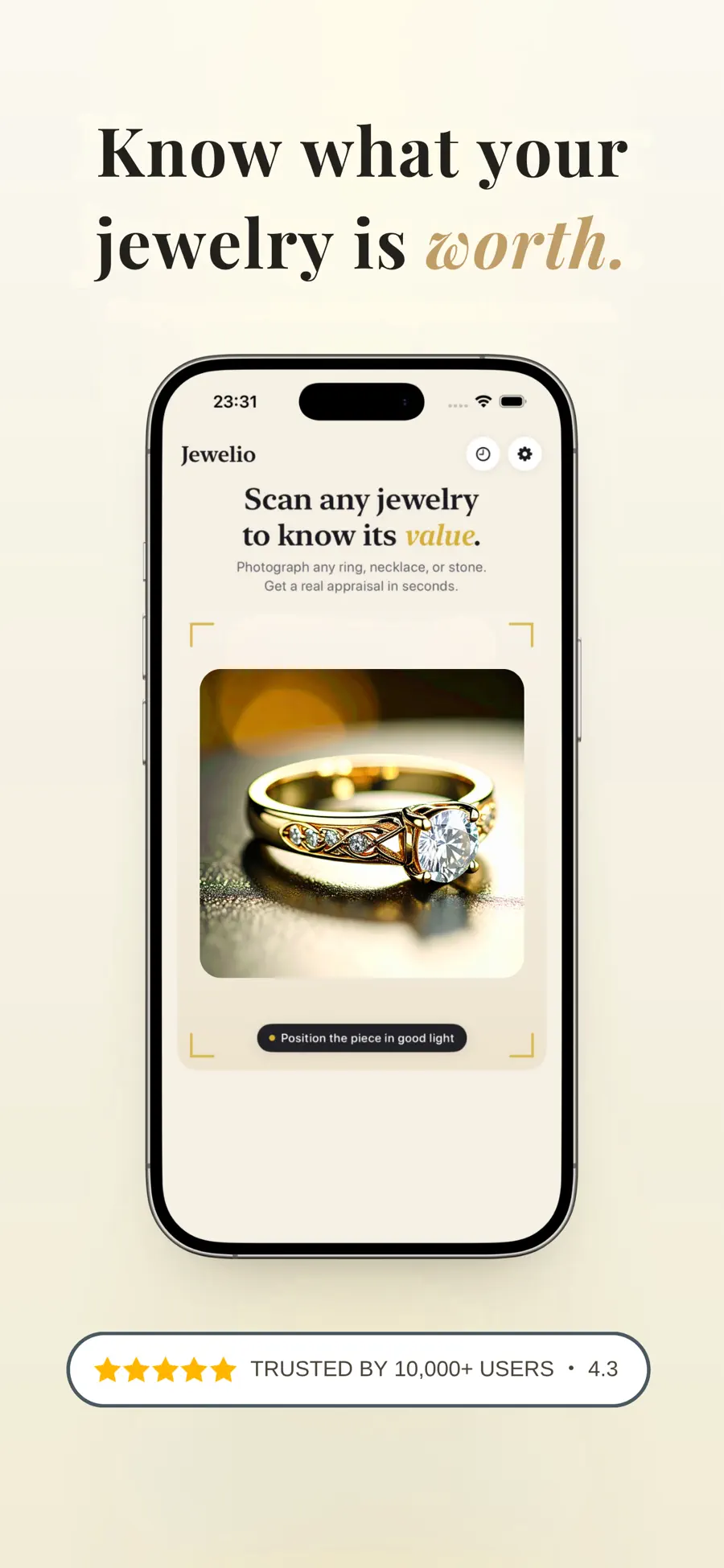
Identify jewelry from a photo
A jewelry identifier by photo works from what the camera can see: color, finish, cut, setting, and any stamp in the frame. Jewelio reads those cues and says what it cannot tell. It will not confirm karat, stone identity, or authenticity when the photo does not show the evidence.
Use it while you are in a shop, opening an estate box, or comparing a listing. On a phone it is a jewelry scanner app: open Jewelio, photograph the piece, and read the estimate. On a computer, scan a photo on the web. It is the wrong tool when you need paperwork for an insurer or a buyer.
What you get
Metal, stones, style, and a value range — included when the photo supports them. Missing details are left blank instead of invented.
Metal
Color, finish, and any hallmark that is readable in the photo. A visible stamp such as 585 or 14K is reported. With no stamp, the result stays cautious — gold-tone, for example — instead of assigning a karat.
Stones
A likely main stone from color, cut, and setting. Carat weight is included only when size is reasonably inferable. Stones that look alike still need a gemologist. This is not a lab report.
Style
The piece type, the setting, and era clues such as Art Deco or modern, based on construction you can see. A precise date needs hallmarks and, often, a loupe.
Value range
A low-to-high range for pieces that look similar, with a confidence score. Weight, treatment, condition, and demand can move a real price well outside that range. It is not a resale quote or an insurance appraisal.
How it works
One photo in, a structured estimate out. The same three steps run on the web and in the app.
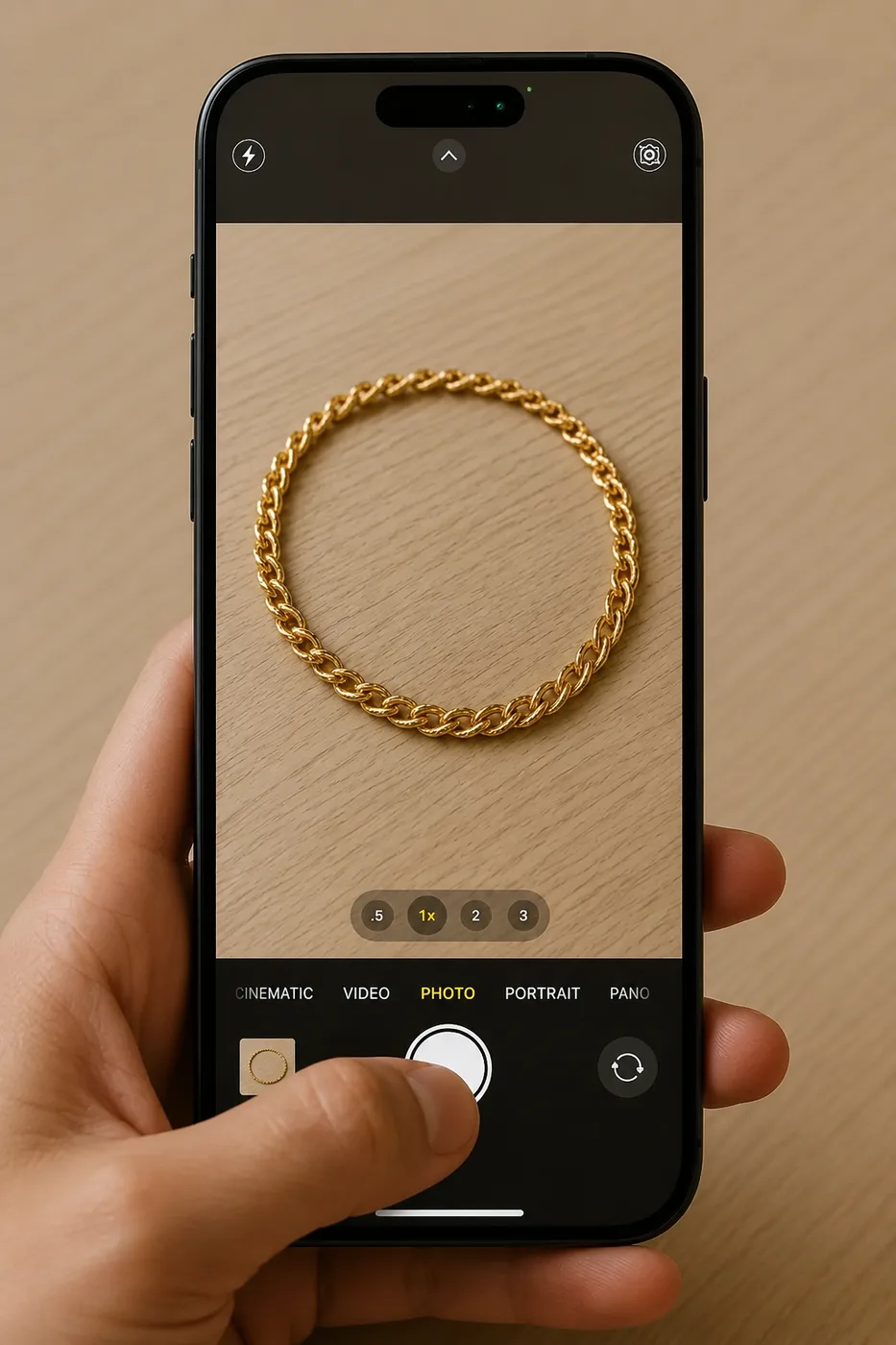
Step 1: Take a Photo
Photograph a ring, necklace, bracelet, or earring. Include the inside of the band or the clasp when a hallmark is there.
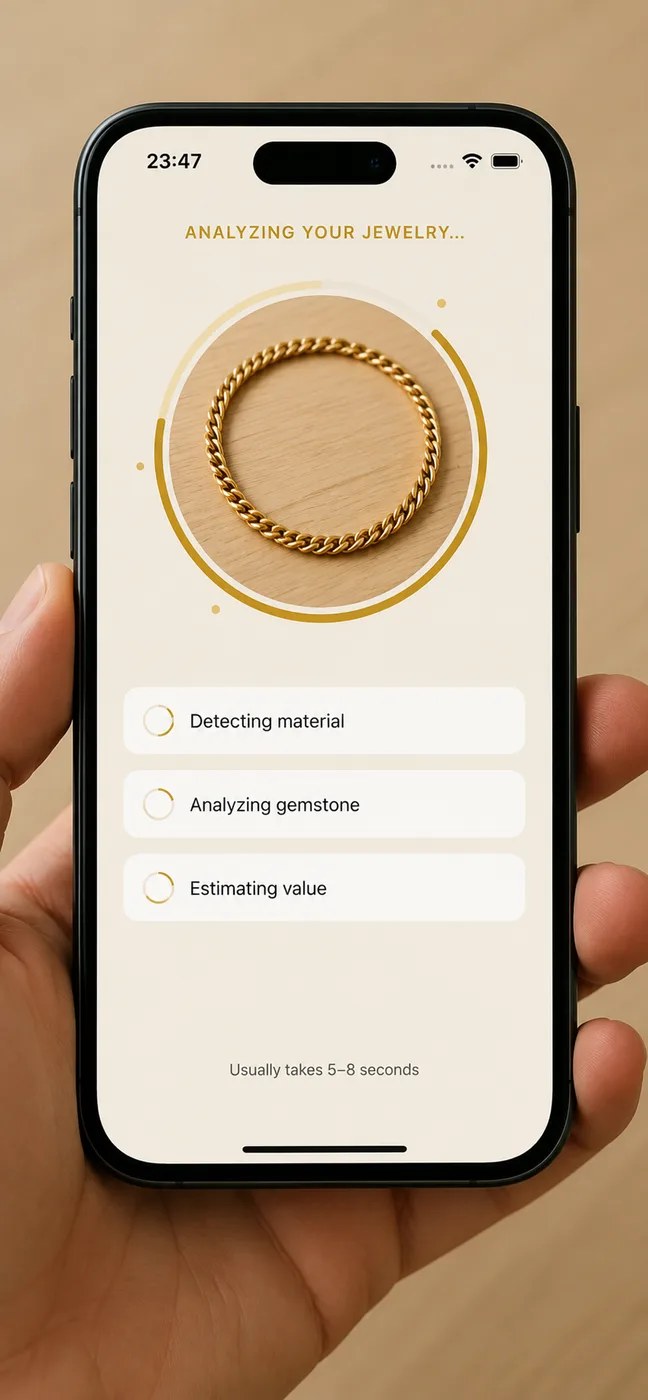
Step 2: Let the AI Analyze
Jewelio is an AI jewelry identifier. It reads the image and returns a structured result. Details it cannot see are left out.
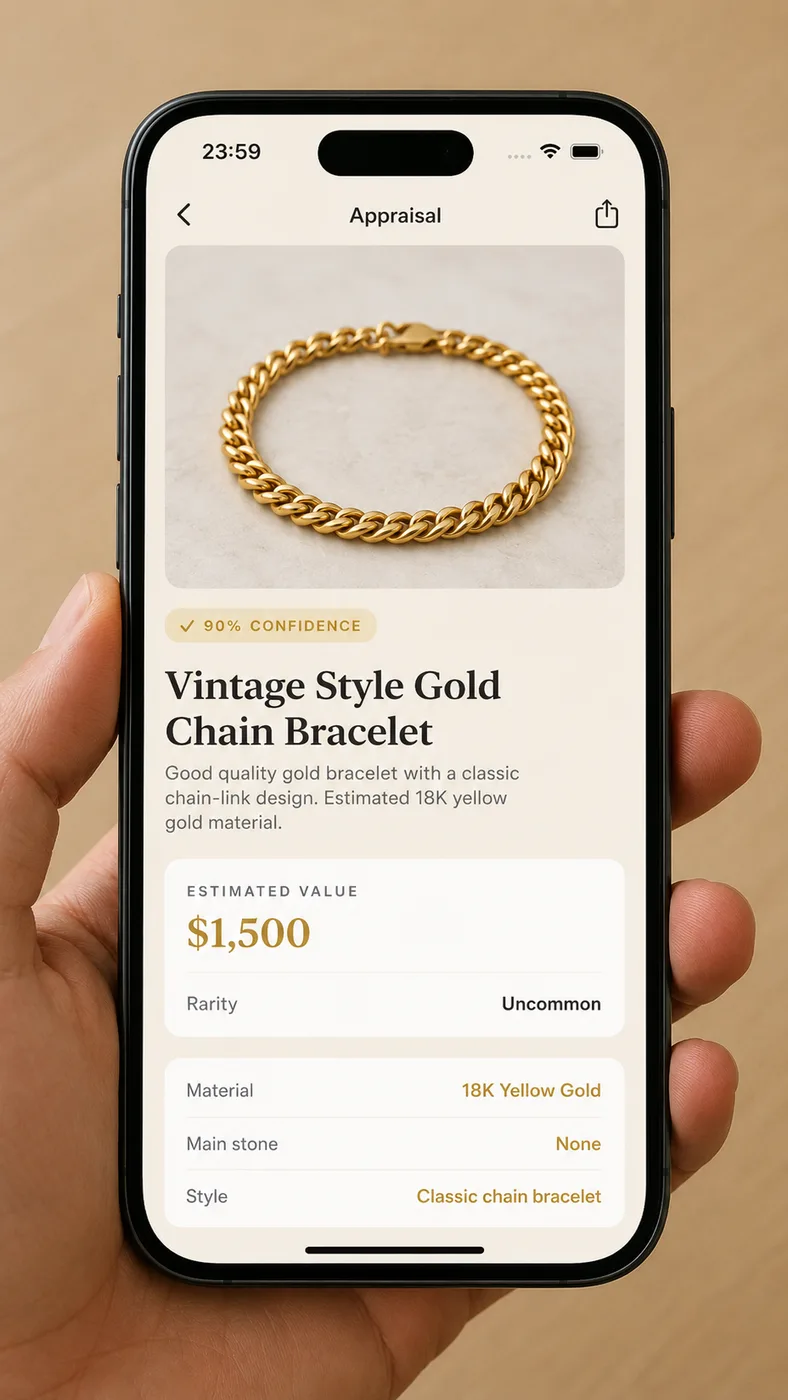
Step 3: Read the Estimate
You get metal, main stone, style, and a value range, plus the limits of a single photo. Insurance and resale decisions belong with a qualified jeweler or gemologist.
Photo tips
Hallmarks and lighting decide how much a scan can say. A clear stamp is worth more than a perfect beauty shot.
1. Use daylight
Skip the flash. Direct flash blows out metal color and the flashes inside a stone, which is what the scan is reading.
2. Fill the frame
Put the piece on a plain background and let it occupy most of the photo. A busy table makes color and edges harder to read.
3. Photograph the hallmark
Take a second shot of the stamp inside a band, on a clasp, or on a pin. 925 is sterling silver. 375, 585, and 750 are 9K, 14K, and 18K gold. 950 or PT often means platinum. GP, GF, and HGE usually mean plated or filled gold, not solid karat gold.
4. Leave older pieces alone
Do not polish patina off before you photograph. Wear, construction, and stamps are the evidence. Cleaning can erase them.
Angles for rings, necklaces, and bracelets are in the jewelry identifier by photo guide. Stamp reading for gold pieces is covered in the gold identifier. Inherited bands are covered in the ring identifier.
FAQ
Straight answers about photo scans, the free limit, and what a value range can and cannot settle.
App Store reviews
Excerpts from five-star App Store reviews.
Nice App!
I’m impressed, I can’t figure out how in the world it is so accurate!
Amazing.
Rated a ring that had documentation from a jeweler. Accurate reading and bonus — analysis of stuff jeweler didn’t include. Love this. …
Excelente App!!!
… I recommend it everyone who are looking for a good app …
Scan a photo or get the app
Run a free web identification, or install Jewelio, the JewelryID app, on iOS or Android to save scans and keep a collection.
scan a photo · Related guides: jewelry identifier by photo · ring identifier · jewelry appraisal app